Limits
Two limits your contract enforces on the chain, and four your agent keeps to on top.
The two the chain holds
| Limit | Starts at | What it means |
|---|---|---|
| Per trade | $10 | The most one trade may move. |
| Per day | $50 | The most all trades may move in one day. |
Both are written into your agent's contract when you create it. A trade over either one is refused by the network, whoever sends it. Your agent's key cannot change them; only your wallet can.
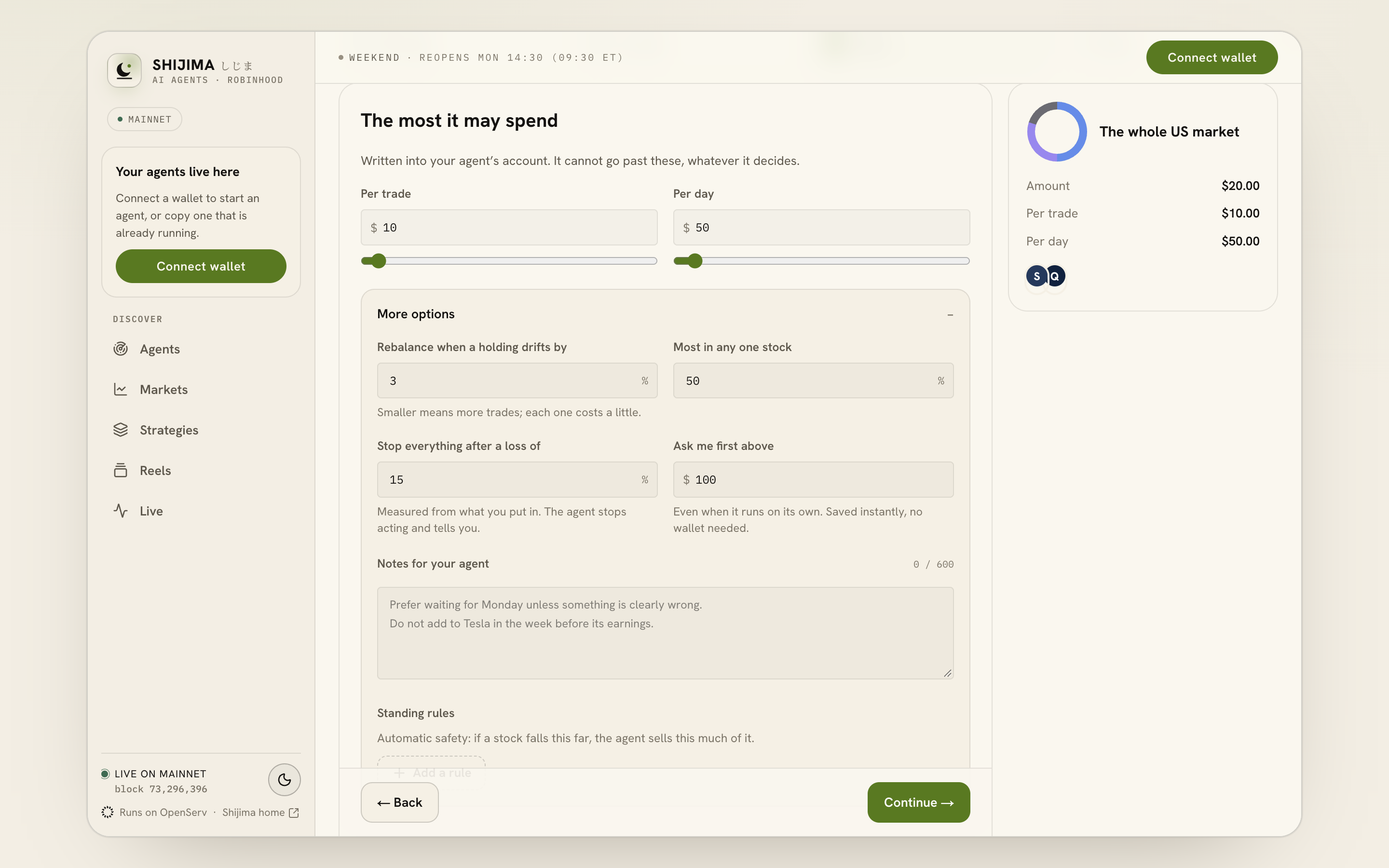
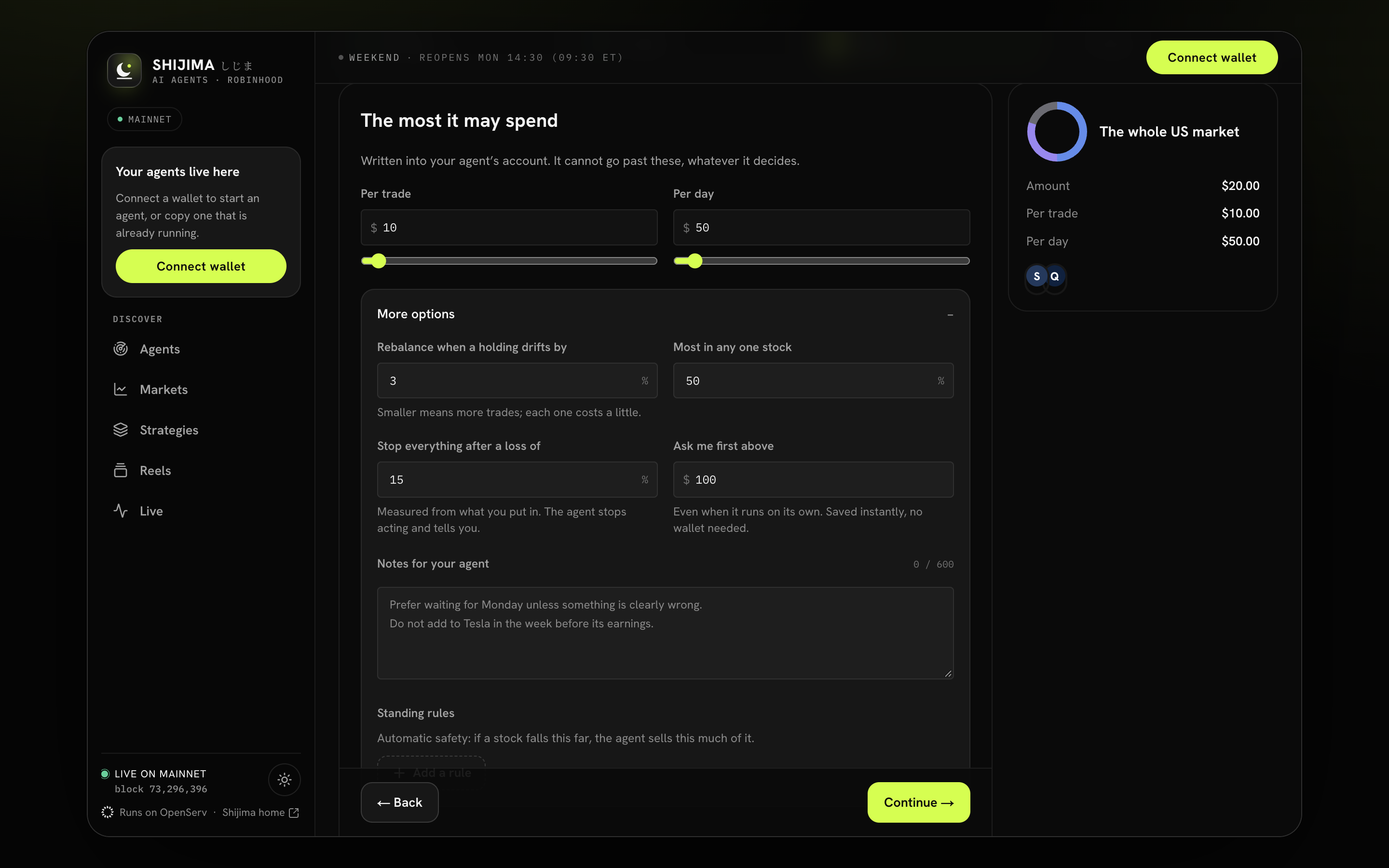
- Set the maximum per trade.
- Set the maximum per day.
- Open More options for the agent rules.
A sale counts at the larger of what it really received and what the price feed says the tokens were worth. So a sale into a weak pool can never slip under the limit.
The day is a fixed 24-hour window. It starts with the first trade after the last window ended, and resets 24 hours later.
Your per-day limit is $50. By Sunday afternoon your agent has bought $42 today. It wants to buy $10 more. Only $8 is left today, so the gate refuses that trade and the record says the daily limit stopped it. If it were sent anyway, the contract would refuse it too.
Changing them
In your agent's Settings, under Trading, open Limits on the chain. This is a transaction. Lowering a limit can be signed by your browser's session key if you set one up. Raising a limit always needs your wallet.
The four your agent keeps to
| Setting | Starts at | What it means |
|---|---|---|
| Rebalance when a holding drifts by | 3% | How far a holding may move from its target before your agent considers a trade. |
| Most in any one stock | 50% | Buys stop at this share of your money. A one-fund strategy raises it to fit. |
| Stop everything after a loss of | 15% | The loss stop, below. |
| Ask me first above | $100 | In On its own, larger actions come to you as a request. |
These are settings, not transactions. Change them under Edit what you told it, or in the chat.
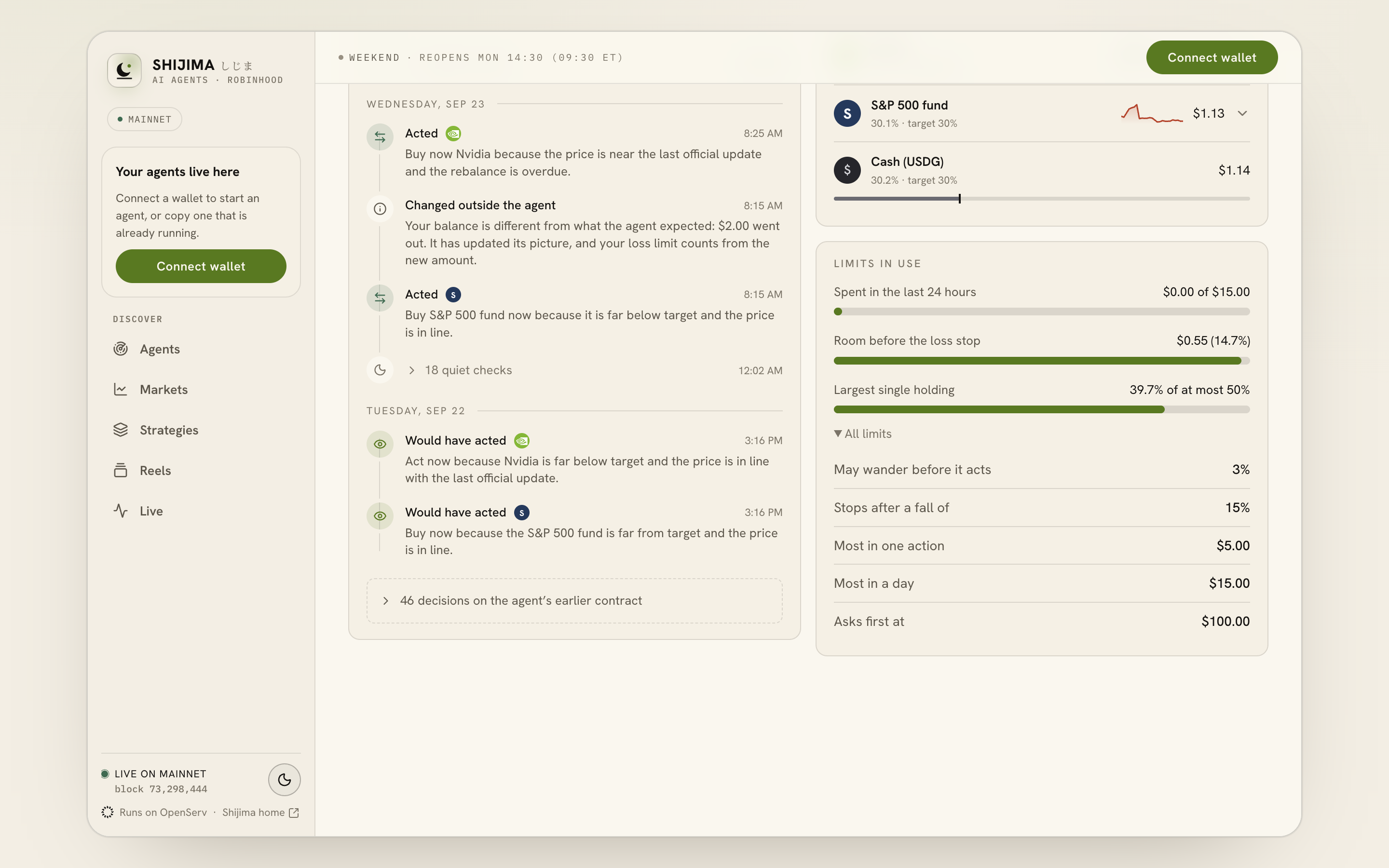
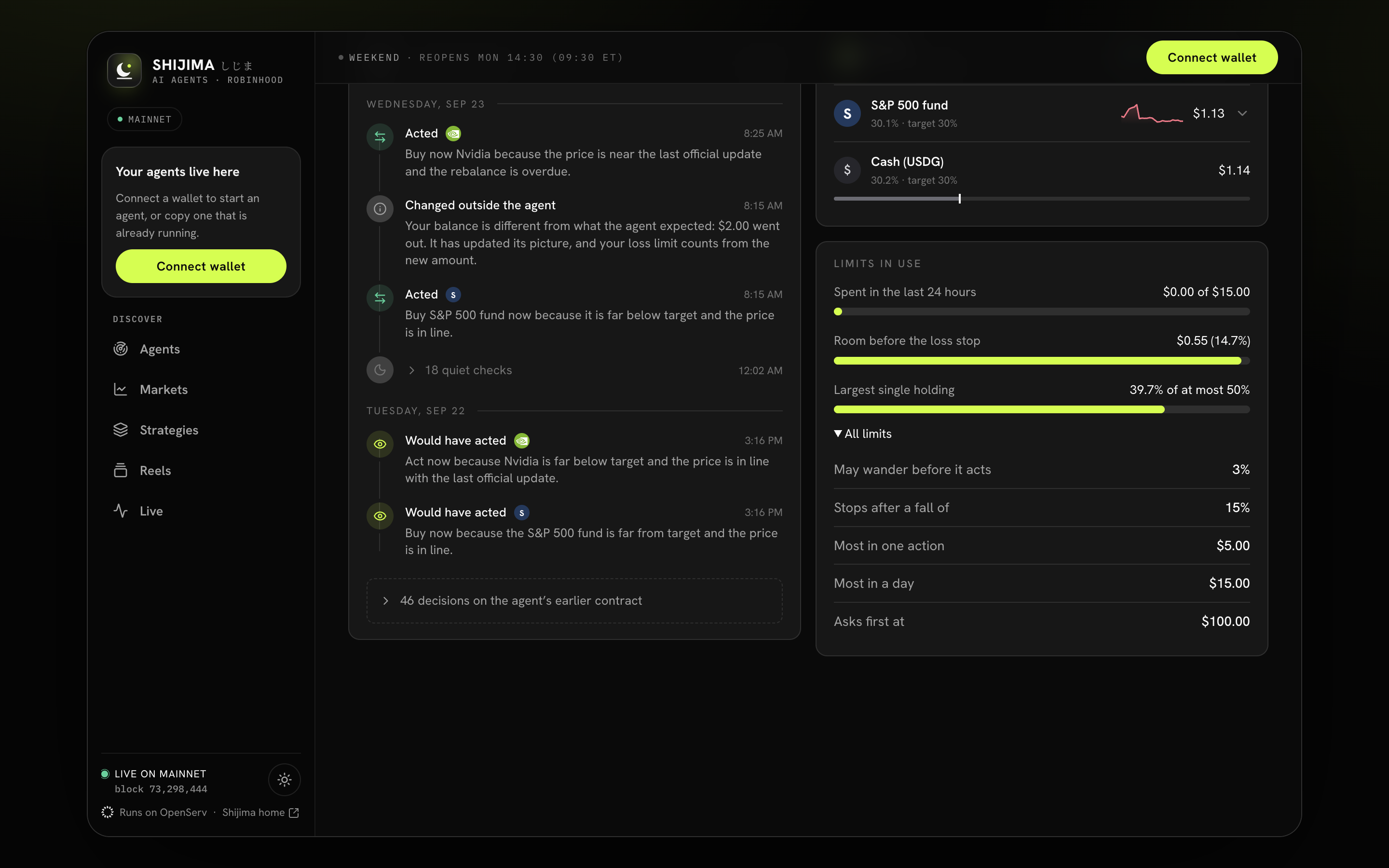
- Compare recent spending with the daily cap.
- Check room before the loss stop.
- Read All limits for the full mandate.
The loss stop
Your agent measures your value against its starting value, moved by any money you add or withdraw, so a deposit or a withdrawal is never counted as a gain or a loss. It only judges a loss when it can price everything you hold.
- The first time the loss passes your limit, your agent stops trading and alerts you.
- If it is still past the limit on the next check, your agent also pauses your contract on the chain.
To go on, restart your agent from its page. Restarting after a loss stop counts from what it is worth now: you have seen the loss and chosen to go on from here.
The limits nobody sets
Some checks are fixed for every agent:
- Your contract refuses your agent's trade if it would get a price more than 8% worse than the Chainlink feed. Only you can trade then.
- It refuses a trade if the price feed is older than 6 days, or the token itself reports its price as paused.
- The smallest trade is $0.20. Anything smaller is not worth the network fee.
- A trade must be worth several times what it costs: a holding has to drift by more than five times the one-way trading cost before it counts.
Source notes
This page was checked against the code on 2026-09-26. These are the files it follows.