The record and Check it
Every decision is written down with its reasons. Its fingerprint goes on the chain with the trade, so nobody can change it later, us included.
What is written down
Every decision your agent makes goes into its record, including the ones where it waited or chose not to act. Each entry holds:
- what your money was worth, and each holding's share against its target
- why arithmetic looked at this stock, and the move it proposed
- the rules that blocked it, if any, each by name
- exactly what the AI was shown, and its answer word for word
- the limits check, and the outcome
Open your agent's Record to see them day by day. Open any decision for its own page.
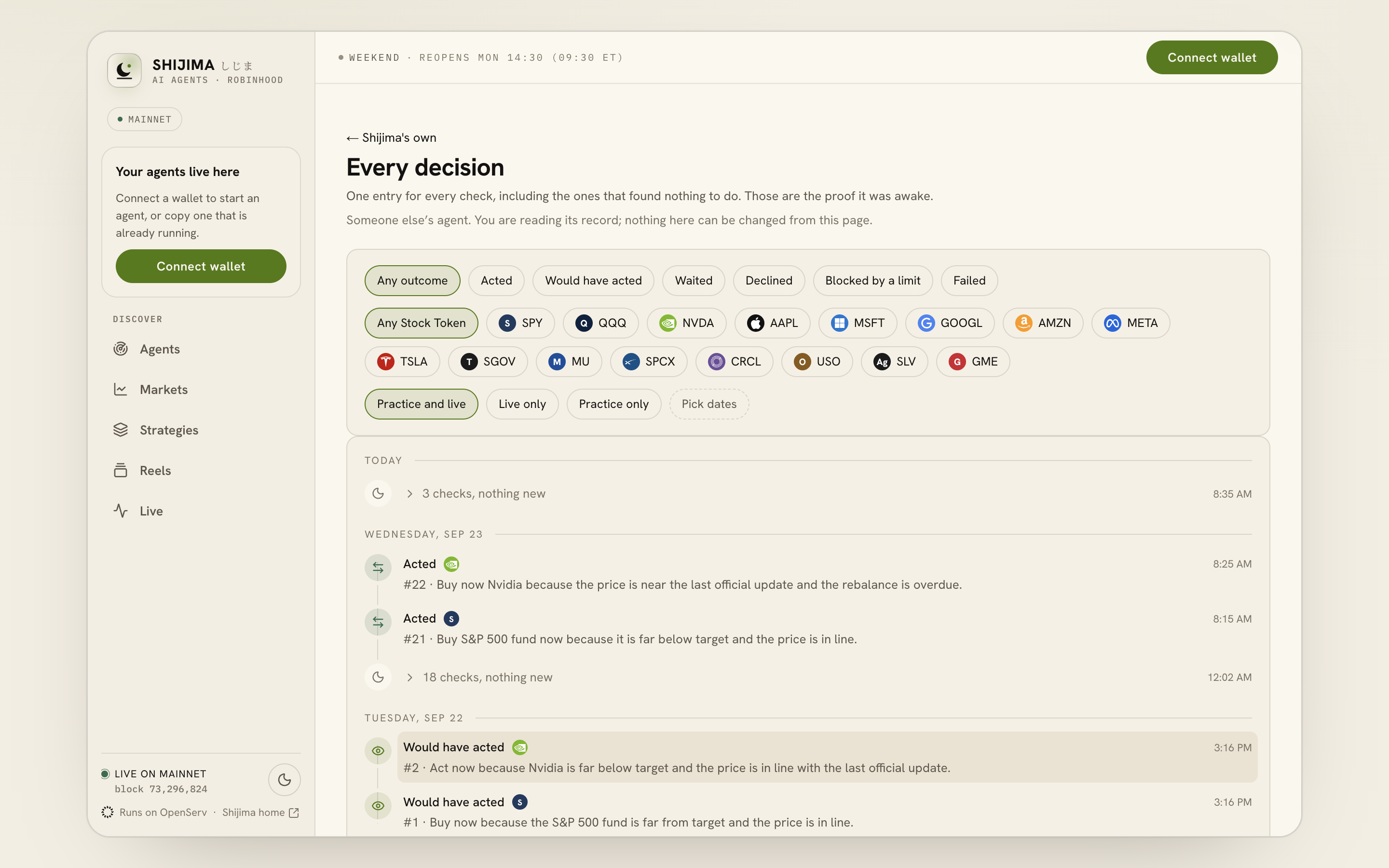
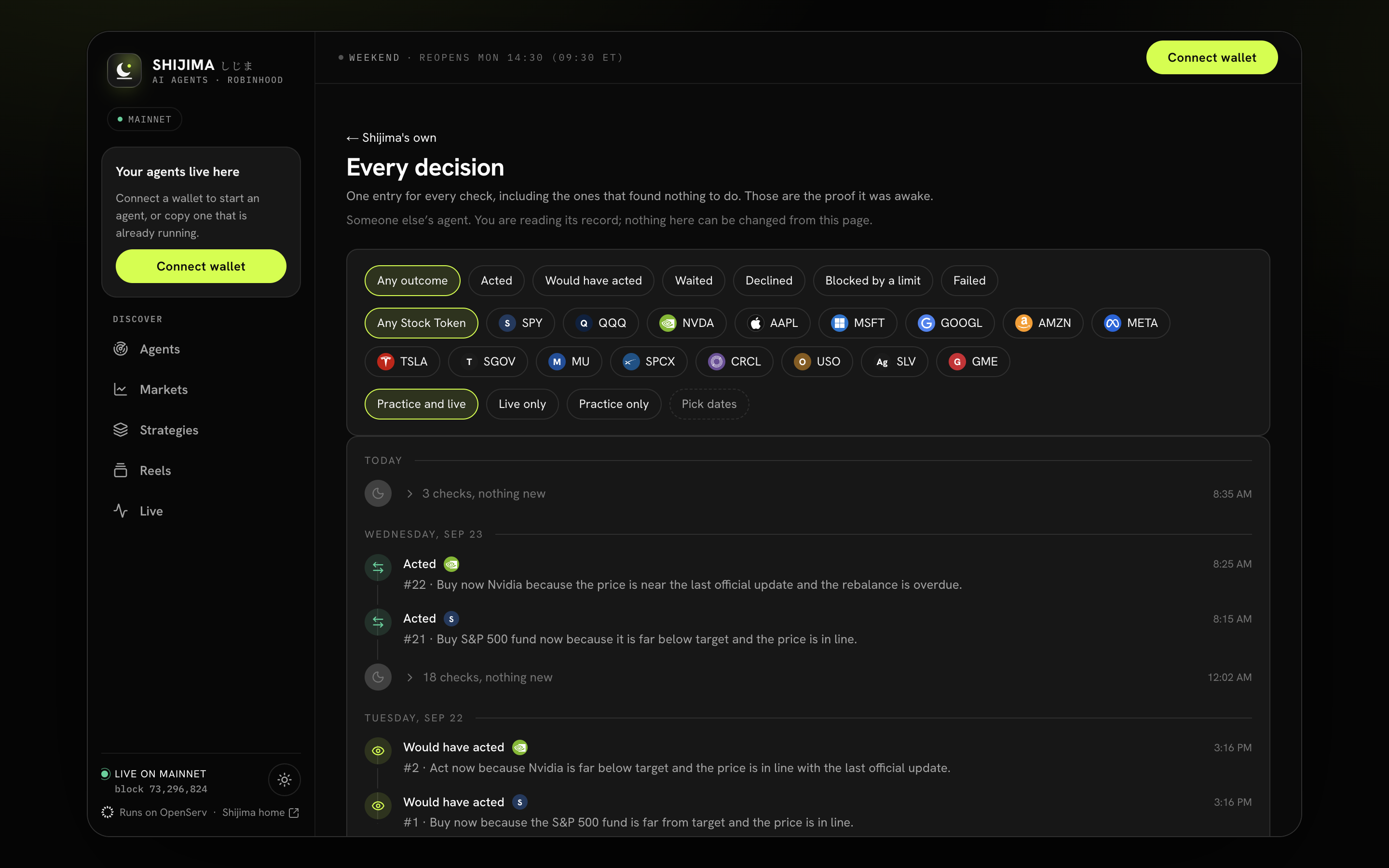
- Filter by outcome.
- Filter by Stock Token.
- Choose Live or Practice records.
- Open a decision to see its evidence.
The fingerprint
A decision's fingerprint is a hash of its record: the record is written out in one exact way (canonical JSON, keys sorted, no spaces), and hashed with keccak256. Change one character and the fingerprint changes completely.
- When your agent trades, the fingerprint travels inside the same transaction as the trade. Your contract writes it in the trade's event on the chain.
- A decision with no trade has no transaction of its own. Each record carries the fingerprint of the one before it, so the records form a chain. The next trade, or the daily seal, puts a fingerprint on the chain that covers every record before it.
Your contract also keeps its own running count and chain of fingerprints, so a missing or reordered action would show.
Check it
On any decision page, press Check it. Your own browser, not our server:
- Rebuilds the fingerprint from the record.
- If the record was sealed by a later one, checks that each record in between links to the one before it.
- Asks Robinhood Chain's public RPC for the transaction and compares the fingerprint in its event.
It then says It matches, It does NOT match, or that the record is not sealed yet and when the next seal is due. Download this record and Show the exact bytes let you check it with your own tools.
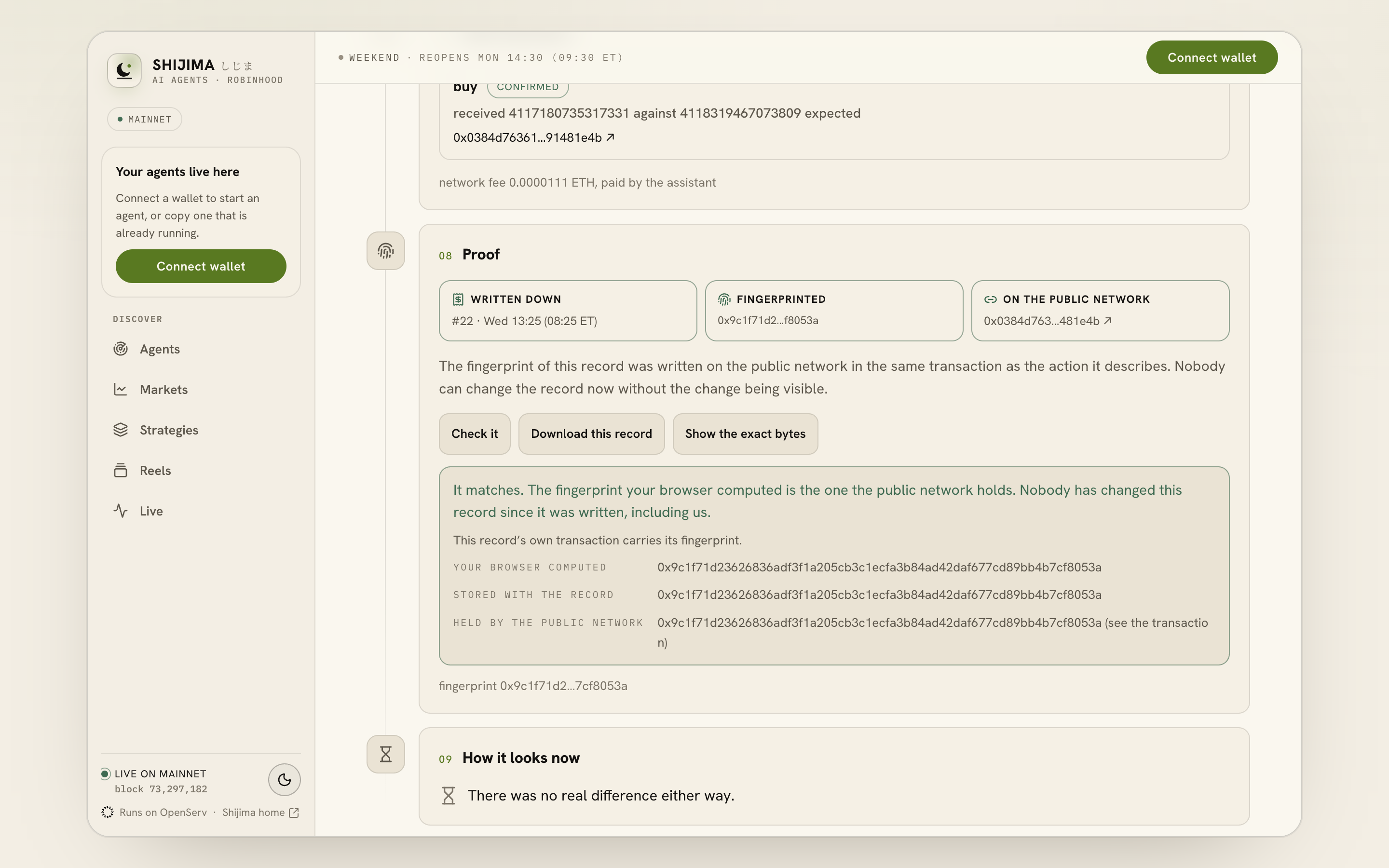
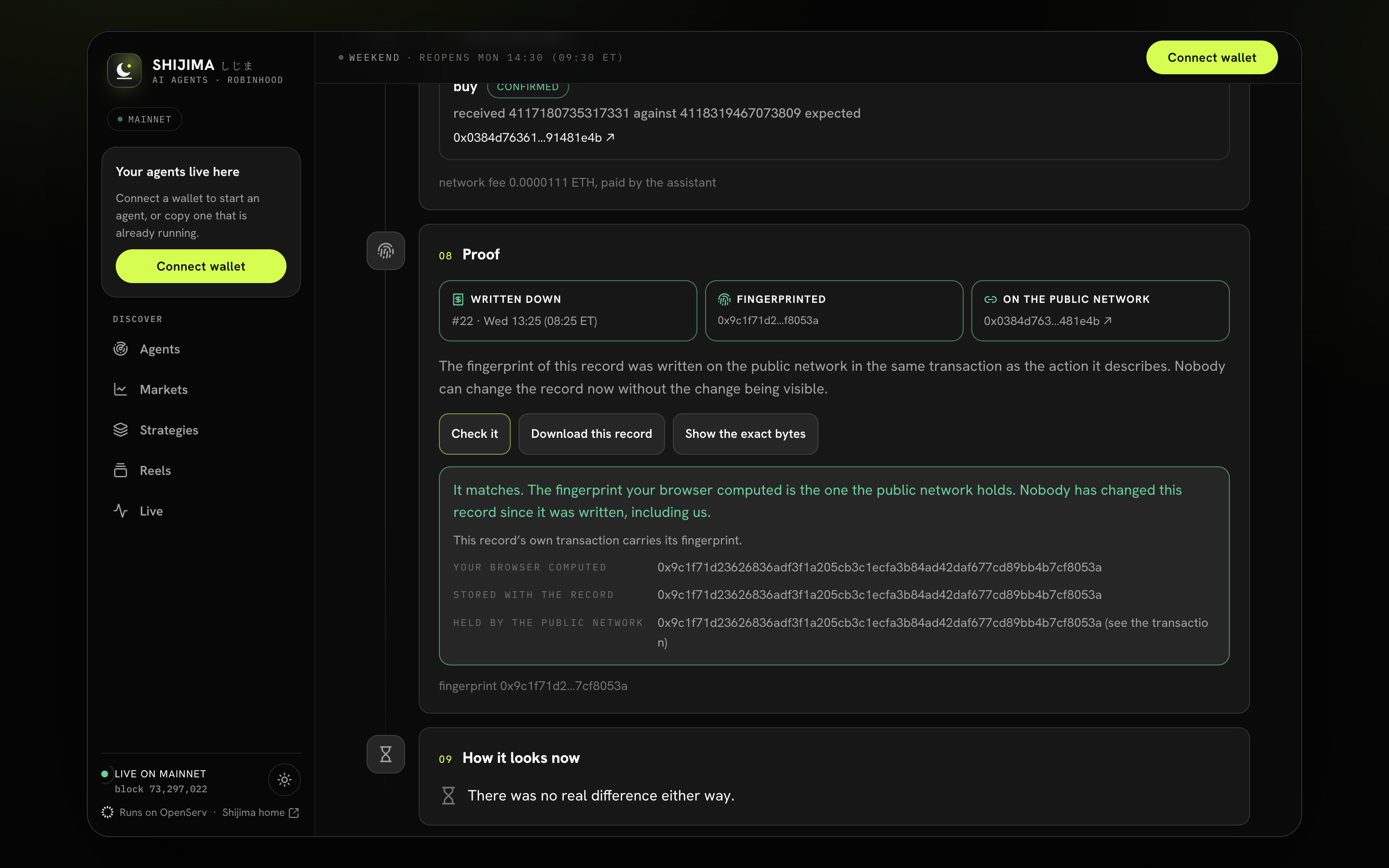
- See the public network transaction.
- Press Check it in your browser.
- Compare the matching fingerprints.
Check it with no code of ours
Take the record body as downloaded. Serialise it with sorted keys and no spaces (in Python: json.dumps(body, sort_keys=True, separators=(",", ":"), ensure_ascii=False)). Hash those bytes with keccak256, for example cast keccak. Compare with decisionHash in the agent contract's Bought, Sold, Swept, Redeemed or Checkpoint event.
Evidence
Evidence, in the sidebar, lists every decision your agents put on the chain with its fingerprint and transaction, and every money move. Copy every hash copies them all, to check in any explorer. Money in and out is kept apart from trading, so a $2 withdrawal shows as $2 out, not as a $2 loss.
What is not in the fingerprint
The transaction result (what was really received) is added after the trade and is not hashed. Anything only you may see, such as headline text, is kept outside the hashed part.
The record and hash chain explains the format for builders.
Source notes
This page was checked against the code on 2026-09-26. These are the files it follows.