Sign in with your wallet
Connect any wallet, sign one free message, and you are in.
Shijima never holds your keys or your money. You sign in with a wallet you already have.
Open the wallet picker
Press Connect wallet. The picker, Connect a wallet, lists every wallet it finds in this browser under In this browser, such as MetaMask or Rabby. If it finds none, it says so and links to MetaMask and Rabby.
- Press Connect wallet.
- The picker shows the available wallet paths.
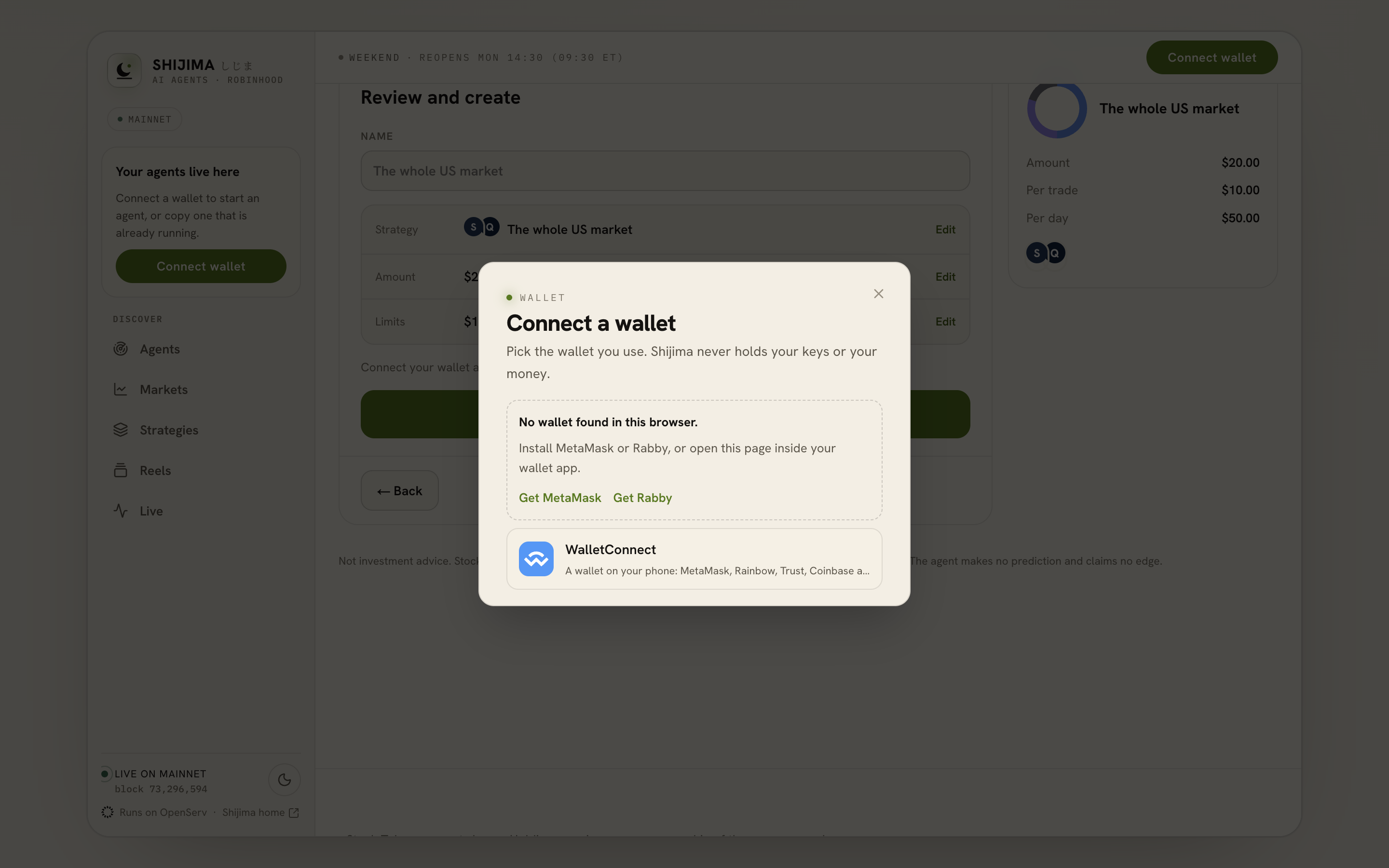
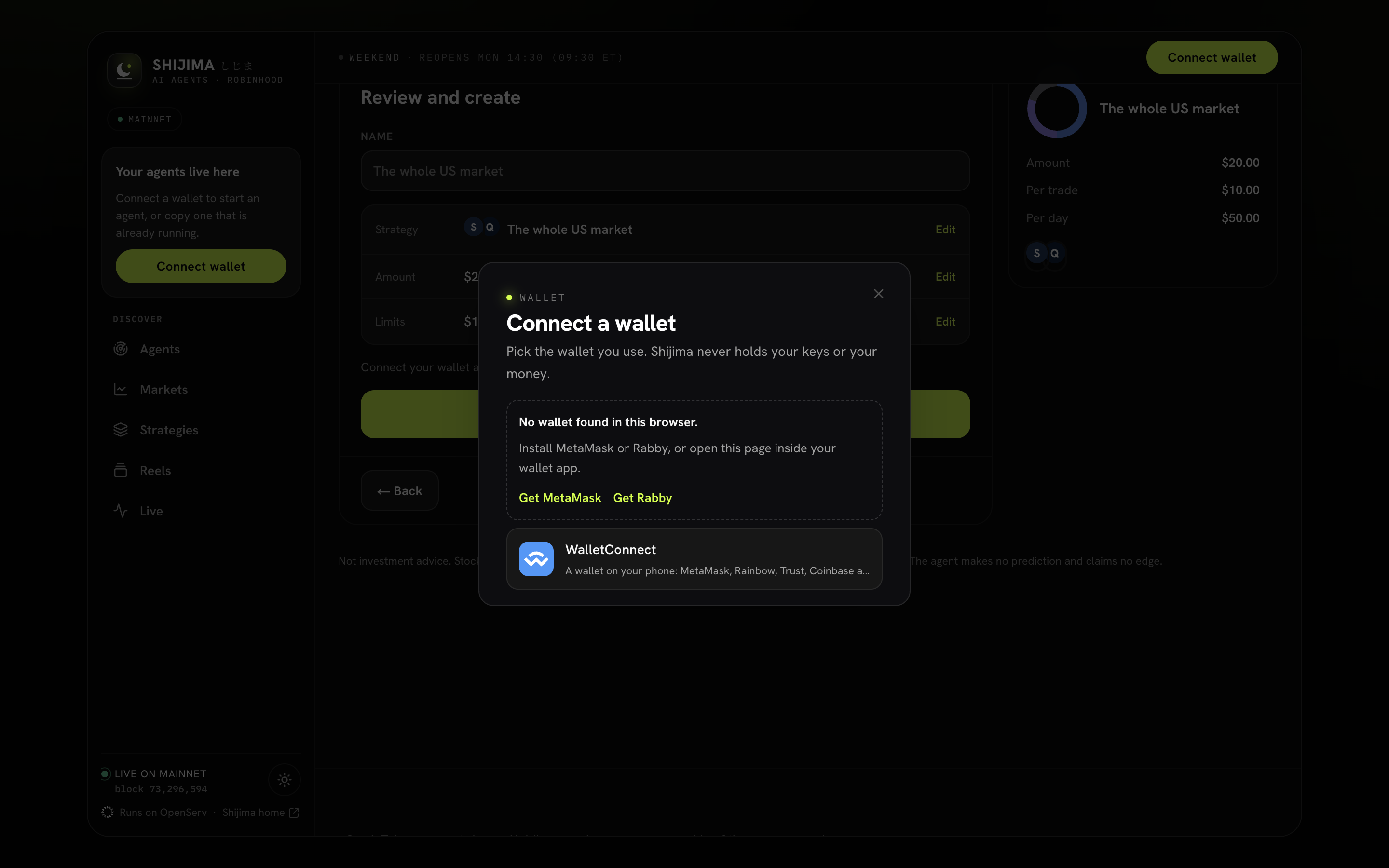
- Check which browser wallets were found.
- Use WalletConnect for a phone wallet.
Or use your phone
Choose  WalletConnect to use a wallet on your phone: MetaMask, Rainbow, Trust, Coinbase and hundreds more. Scan the QR code under Scan with your phone, or press Copy link.
Prove it is your wallet
Press Sign to continue and sign one message in your wallet. It is a signature, not a transaction: it costs nothing and moves nothing. The message names this site and Robinhood Chain (4663), so it cannot be reused anywhere else.
You stay signed in for 7 days on this browser.
The right network
Shijima runs only on  Robinhood Chain. When you sign in, it asks your wallet to switch there first. If your wallet refuses, sign-in still works, and a banner says Wrong network with a Switch to Robinhood Chain button. You need to be on Robinhood Chain before you sign a transaction.
WalletConnect on a self-hosted copy
The WalletConnect row only appears when the site has a WalletConnect project id (NEXT_PUBLIC_WALLETCONNECT_PROJECT_ID). Without one, browser wallets still work.
Next: the free $1, or go straight to creating your agent.
Source notes
This page was checked against the code on 2026-09-26. These are the files it follows.