Create your first agent
Four short steps, Strategy, Amount, Limits and Review, then two confirmations in your wallet.
Open Create an agent. The studio has four steps. Continue → moves on, ← Back goes back, and nothing is sent until the last step.
- Pick a strategy.
- Set the amount or choose Practice.
- Set the spending limits.
- Review before connecting a wallet.
Strategy: pick a basket
Choose one of 20 strategies, each a basket of Stock Tokens plus cash. Search by name or stock, filter with the chips (Broad, Tech, AI, Oil & metals, Safer, Bold), or sort with the Sort menu: Popular, Best 30 days, Most cash, A to Z.
Or choose Build your own: tap the stocks you want and set a share for each. Whatever is left is cash. Even split shares it out evenly. The shares and cash must add up to 100%.
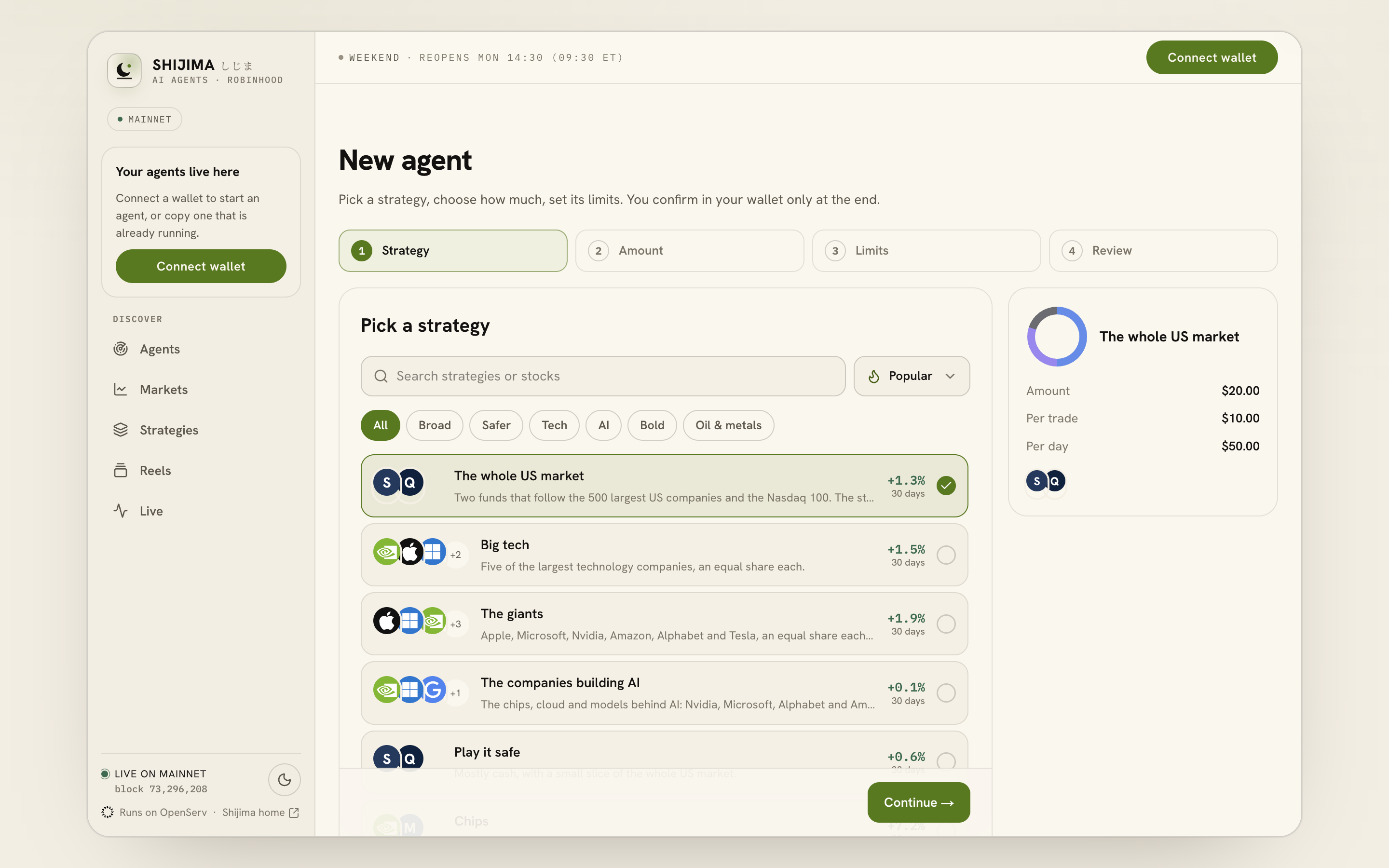
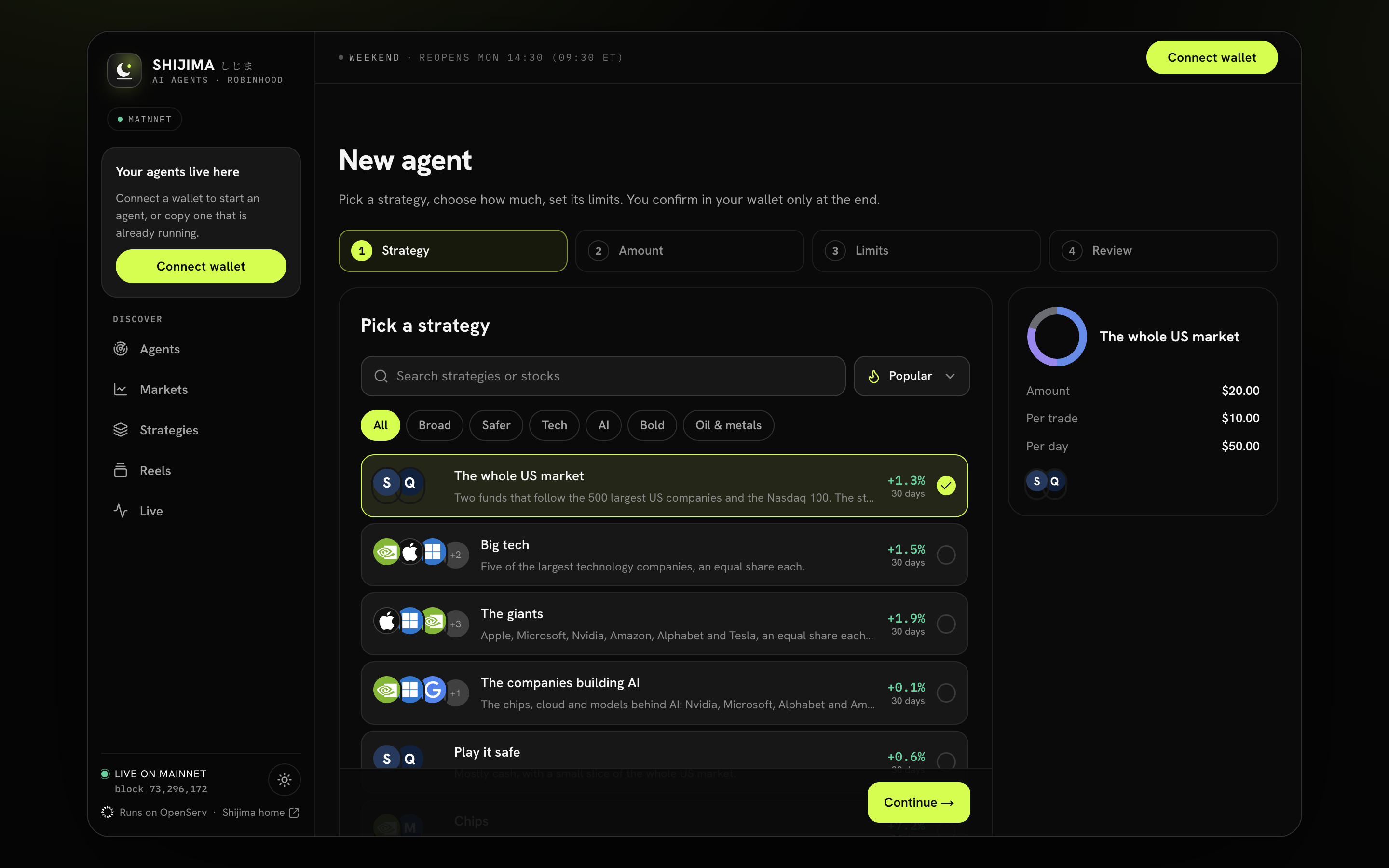
- Search or filter the strategies.
- Select a basket and read its preview.
- Continue to Amount.
Amount: how much it looks after
The default is $20. Quick picks are $1, $10, $20, $50, $100 and Max. The least is $1. You see what your amount buys of each stock, in dollars.
Tick Practice with no money to start with $0 and watch it decide first. Short of USDG? The step links to Bridge to bring some in, and shows the free $1 card while it lasts.
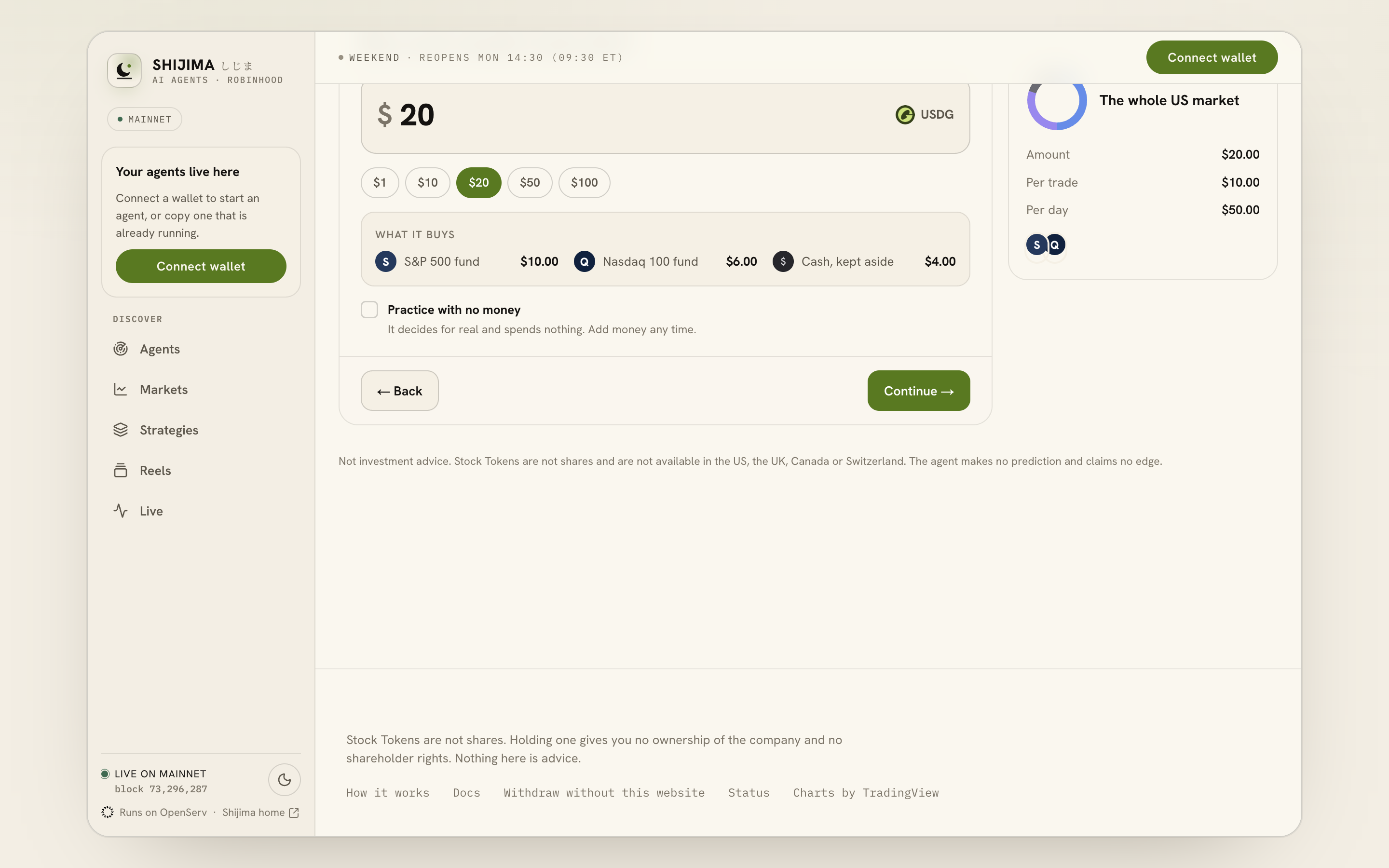
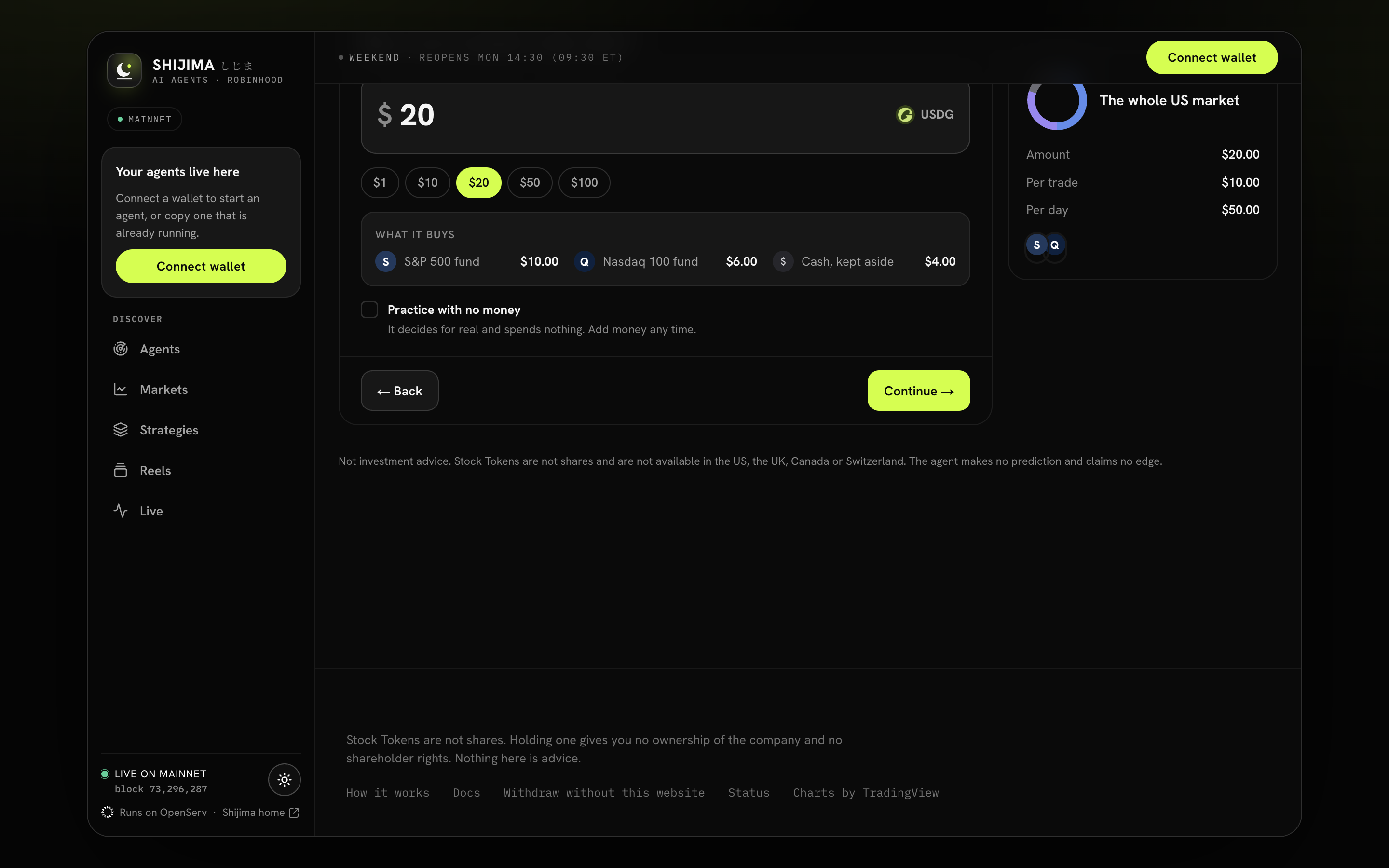
- Enter or pick an amount.
- Check what that amount buys.
- Choose Practice to start with no money.
Limits: the most it may spend
| Setting | Starts at | Held by |
|---|---|---|
| Per trade | $10 | your contract on the chain |
| Per day | $50 | your contract on the chain |
| Rebalance when a holding drifts by | 3% | the agent |
| Most in any one stock | 50% | the agent |
| Stop everything after a loss of | 15% | the agent |
| Ask me first above | $100 | the agent |
The last four sit under More options, with Notes for your agent (up to 600 characters) and standing rules. Limits explains each one.
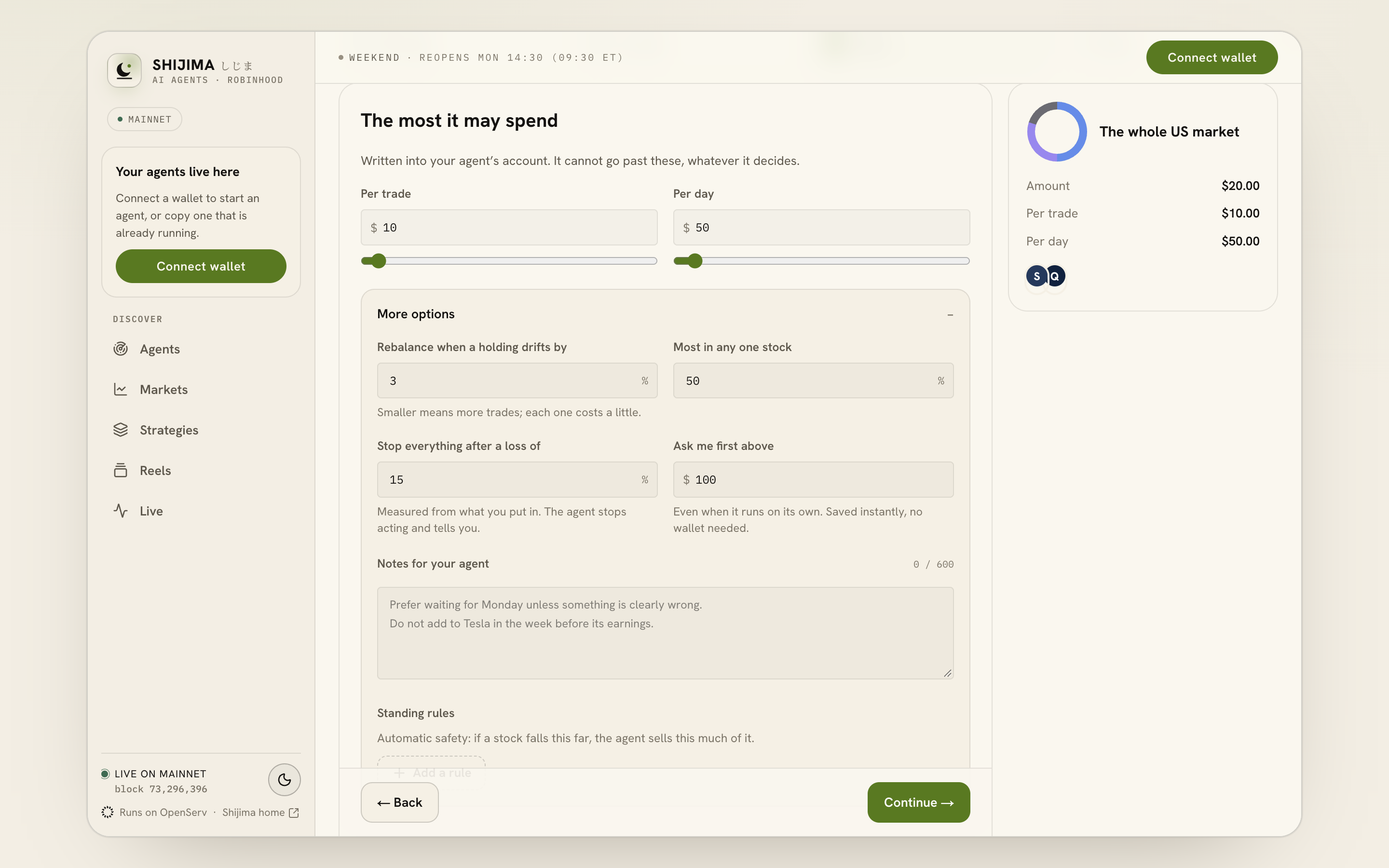
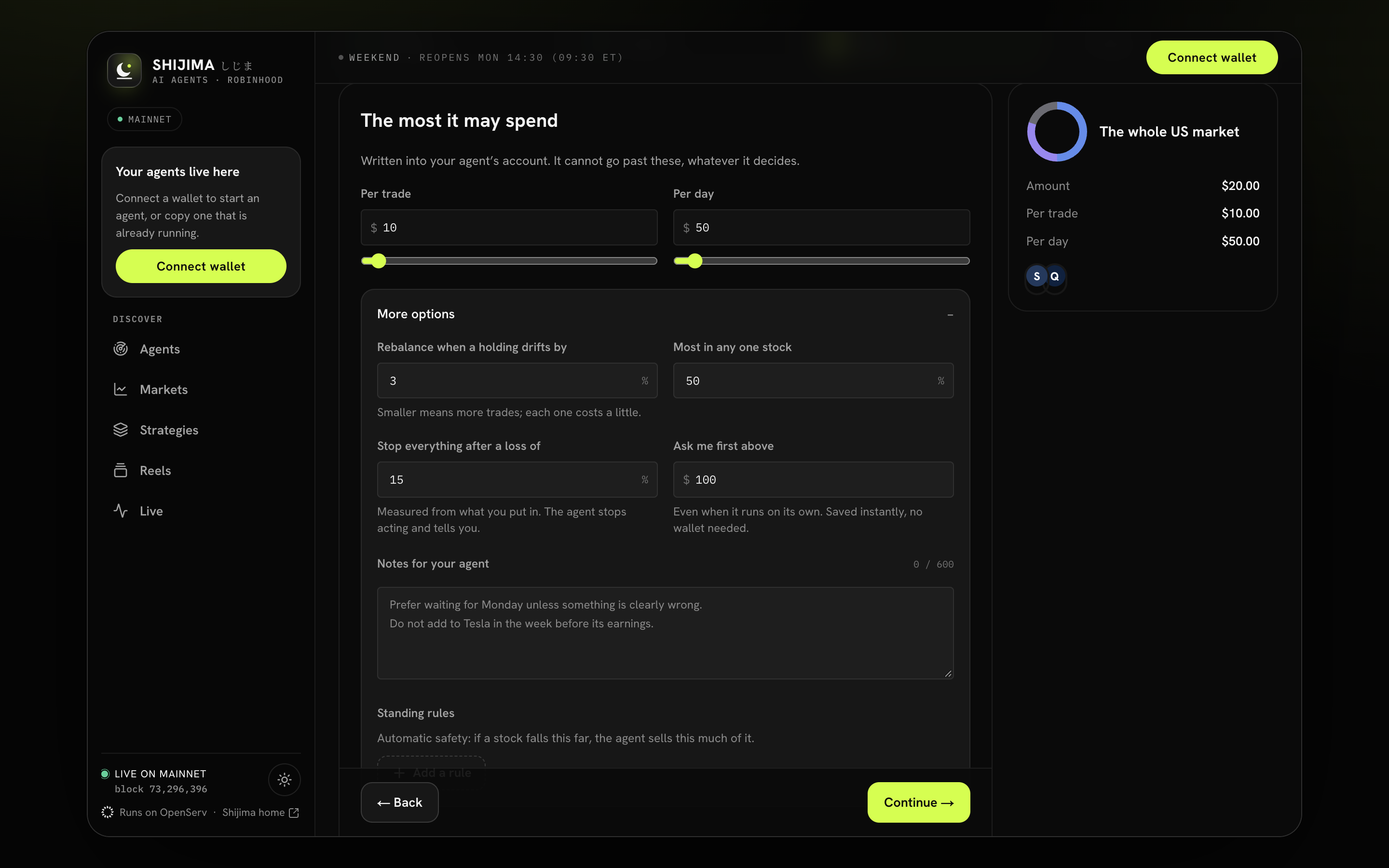
- Set the maximum per trade.
- Set the maximum per day.
- Open More options for the agent rules.
Review: name it and create it
Give it a name, or keep the strategy's name. Read the summary; each part has an Edit link. Read and accept the one-page disclosure the first time. Choose how it starts under It starts:
- Live: trades on its own, inside your limits. This is the default.
- Practice: decides for real, spends nothing.
The page shows the network fee, “about $X in ETH, from your wallet”. If your wallet is short of ETH, Get ETH for fees takes you to Bridge. Then press Create and put in $X.
If you have not signed in yet, Review first asks you to connect your wallet; the live and Practice choices and the final create button appear after sign-in.
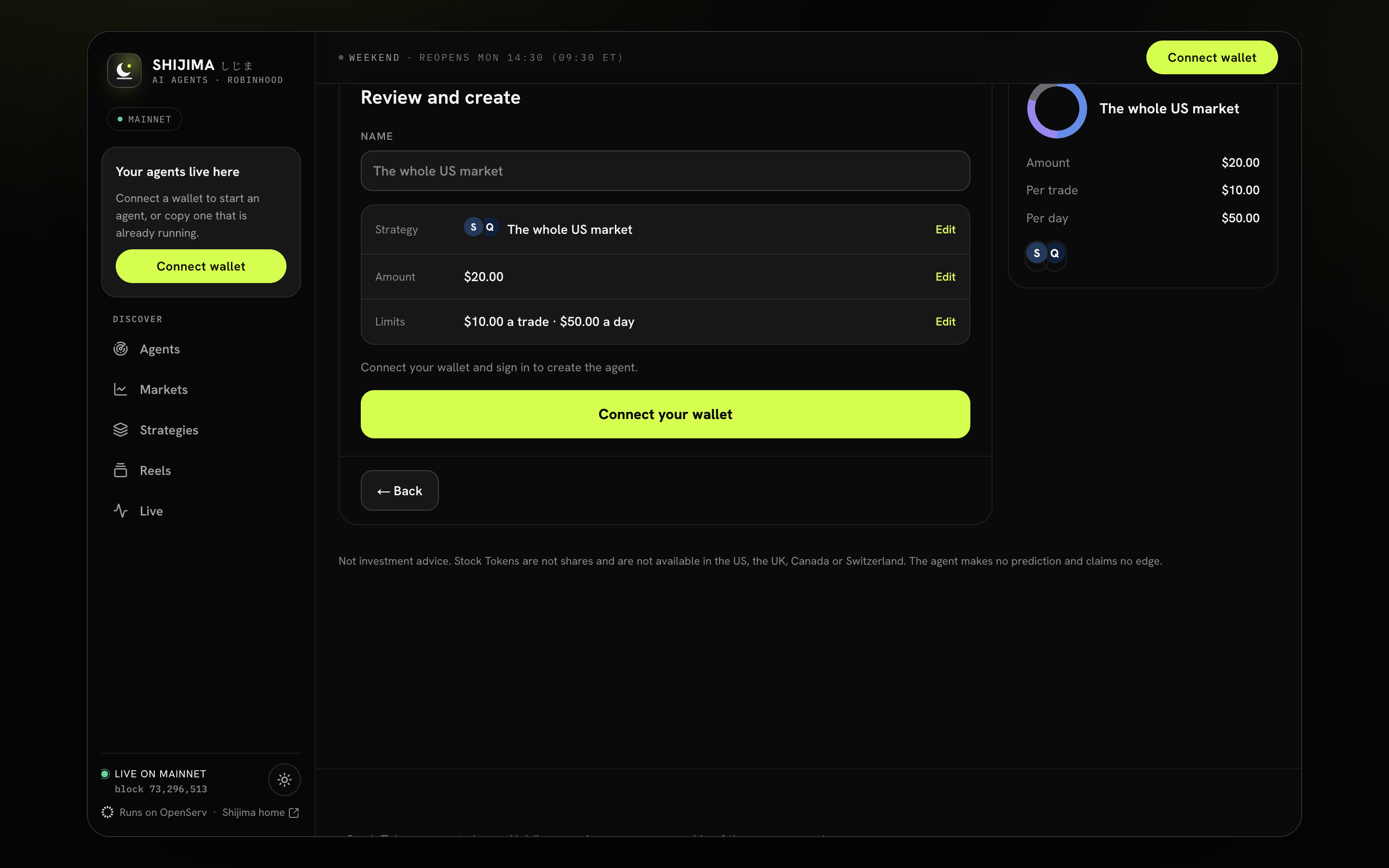
- Review the strategy, amount and limits.
- Connect your wallet before creation.
What your wallet signs
- Create your agent account. One call to the agent factory creates a contract that belongs to your wallet, with your per-trade and per-day limits and the approved Stock Tokens. The factory always makes the caller the owner, so nobody can create an agent that belongs to someone else.
- Move $X of USDG into it. A plain USDG transfer to your agent's address. Skipped in Practice with no money.
The fee is a few cents of ETH, and the page sets a small margin on top so a small wallet's transaction is accepted.
After it is created
A card says “Name” is live (or is practising), shows what it holds and its account address, with Copy the address. From here:
- Connect Telegram so it can reach you.
- Talk to it with Ask Shijima (⌘J).
- Change its mode or limits any time in its Settings.
Source notes
This page was checked against the code on 2026-09-26. These are the files it follows.
- apps/web/features/strategies/Studio.tsx
- apps/web/features/strategies/StrategyStep.tsx
- apps/web/features/strategies/MoneyStep.tsx
- apps/web/features/strategies/StudioFields.tsx
- apps/web/features/strategies/CreateStep.tsx
- apps/web/app/studio-actions.ts
- packages/shared/src/presets.ts
- packages/shared/src/copy/studio.ts